A Complete Guide to Setting Up, Accessing, and Managing Your Restaurant on Fooodis

Ready to take your restaurant to the next level? Register now and start usingFooodis.com’s advanced digital tools for free. Streamline your operations, enhance customer service, and boost your profits with our easy-to-use platform. Get started today for free and transform your restaurant's future!
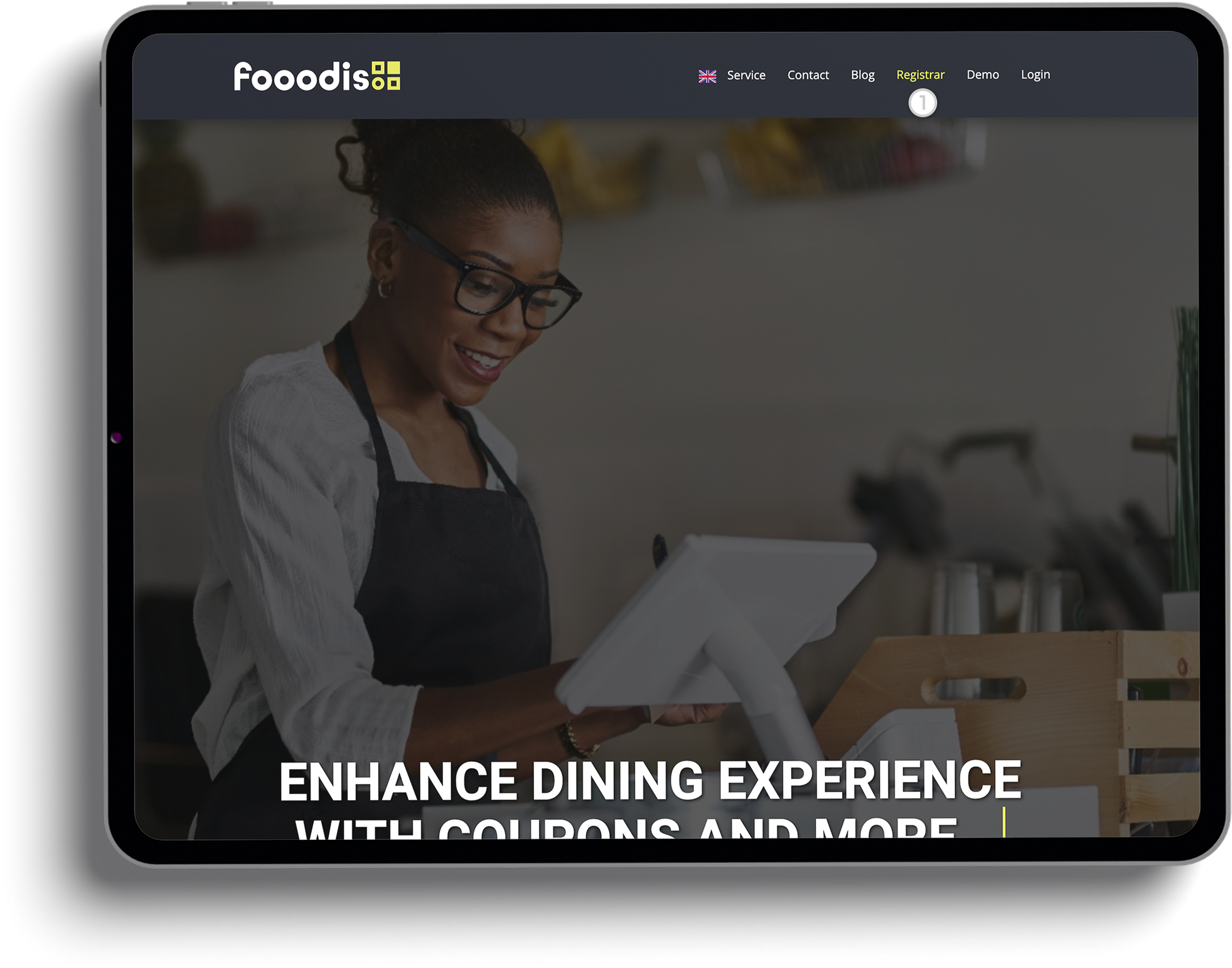
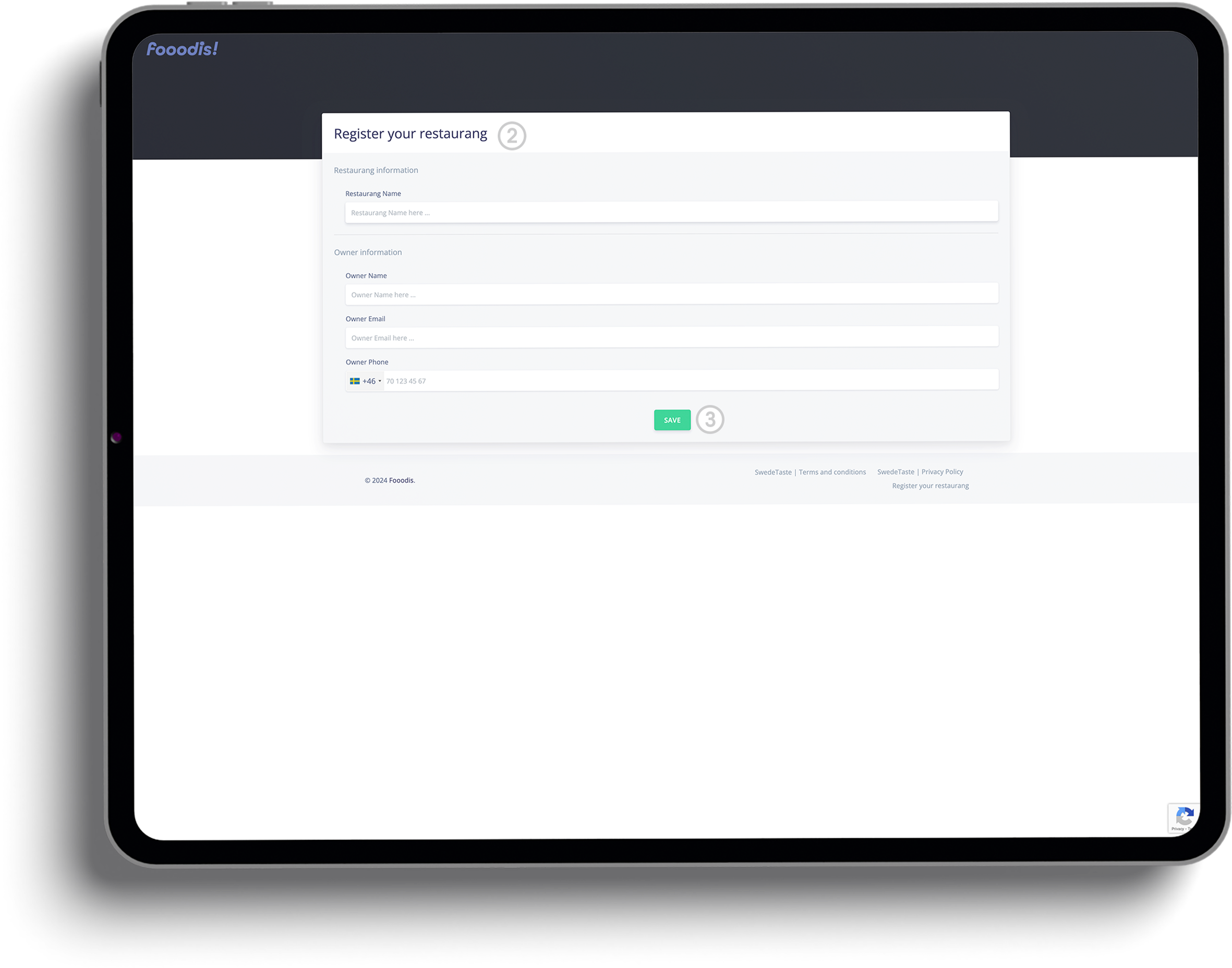
Registering your restaurant on Fooodis.com is the first step toward managing your operations digitally. In this section, we’ll guide you through finding the registration link on the homepage, filling out essential details like your restaurant’s name and owner information, and submitting your registration form. Once completed, you’ll receive an email with your login credentials, including an automatically generated password. With this information, you can access your dashboard and start customizing your restaurant’s digital experience.
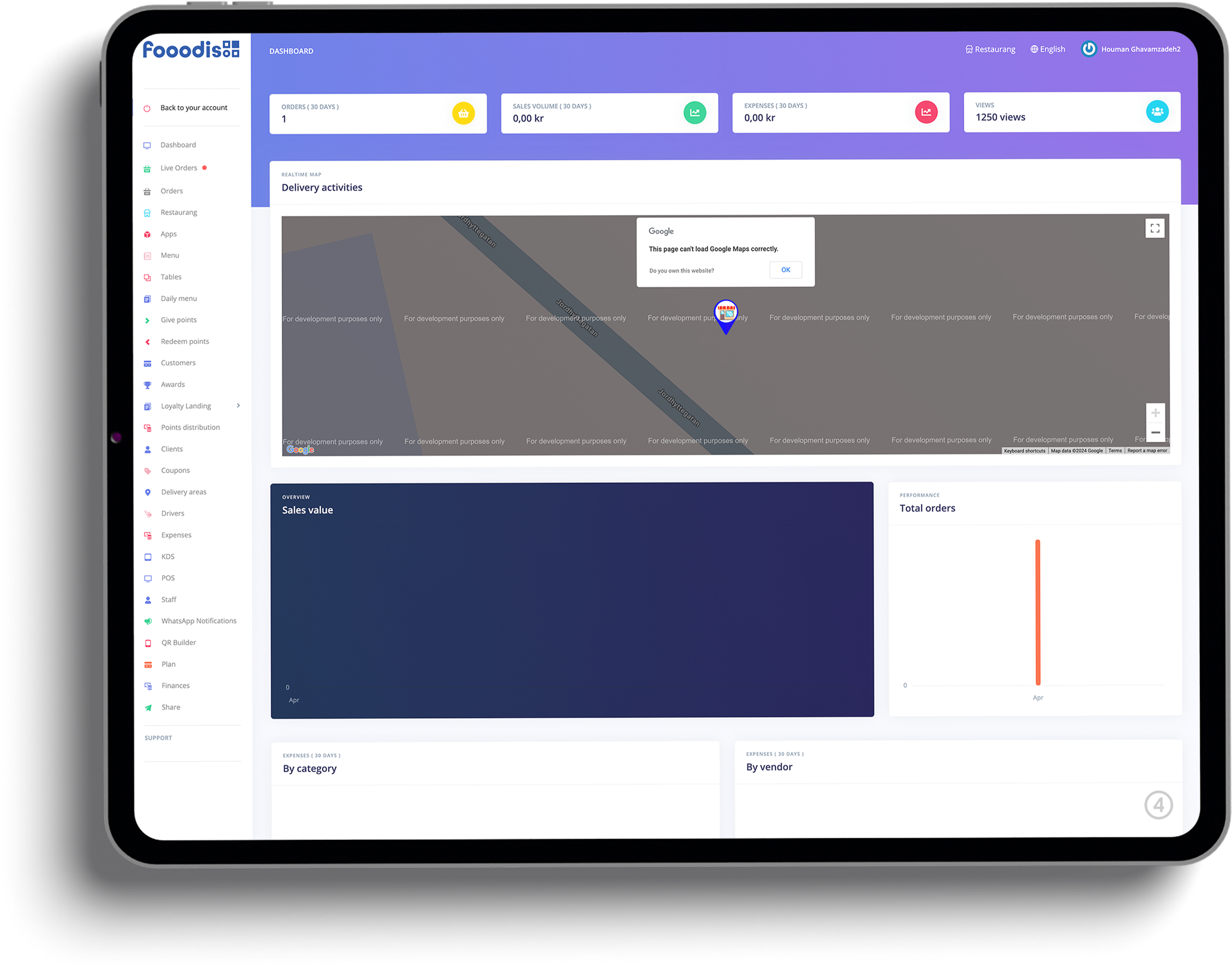
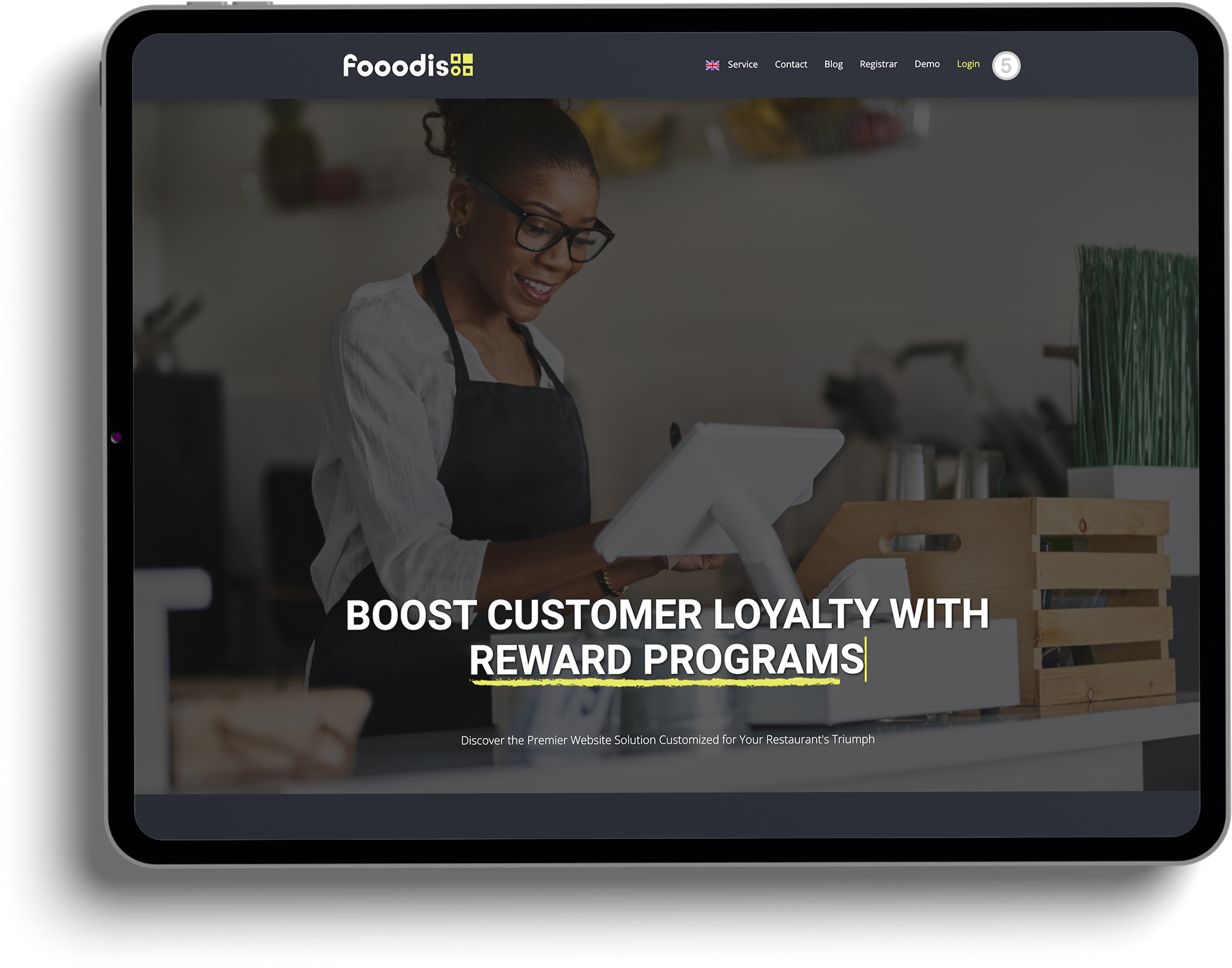
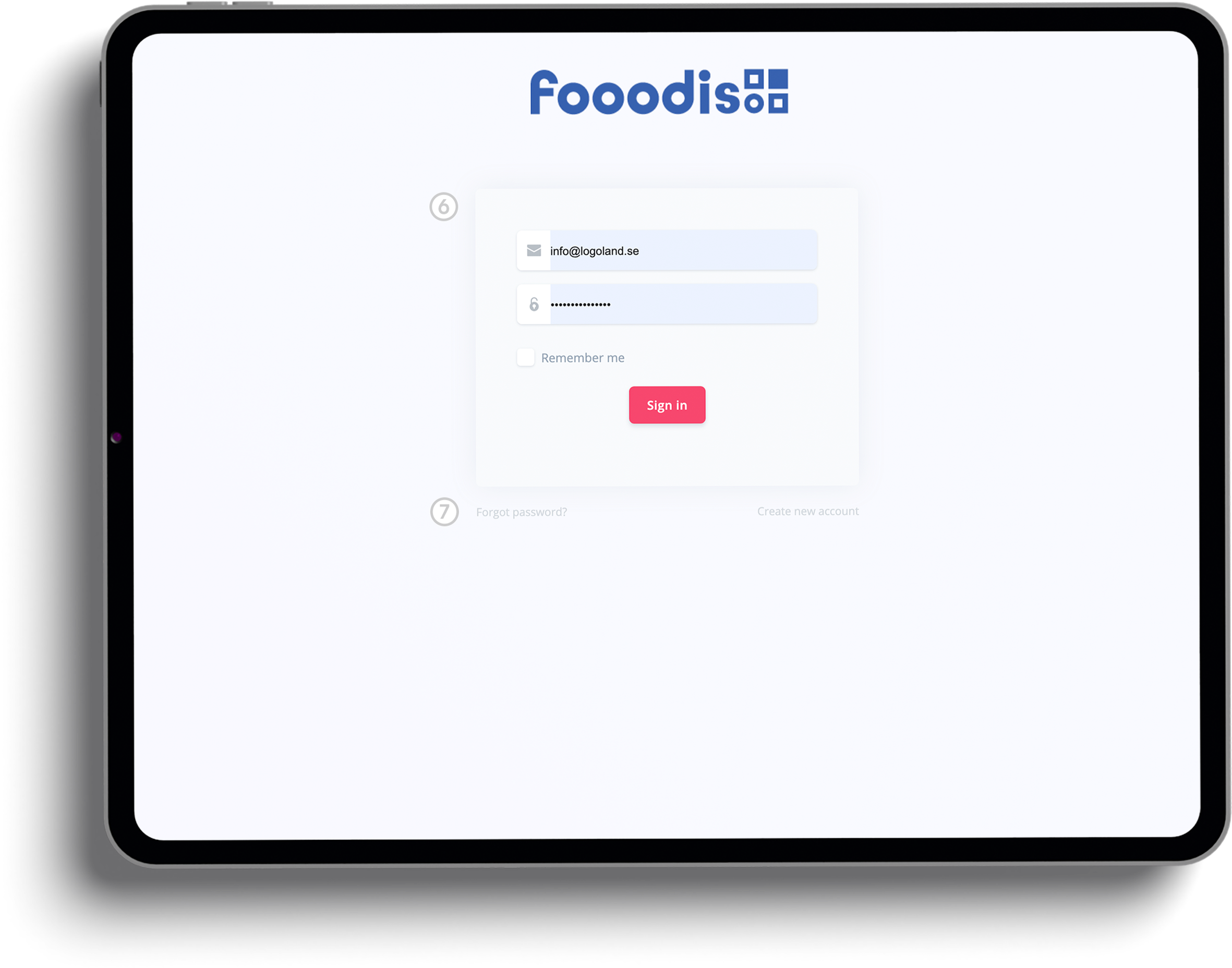
After completing your registration, you’ll have access to Fooodis.com’s powerful dashboard where you can manage your restaurant’s menus, orders, and more. This part of the guide explains how to log in to your account using the credentials sent to you via email. We’ll also cover how to access the login page anytime from the homepage, ensuring you can stay connected to your restaurant’s operations. Once logged in, you’ll be able to make key adjustments and improvements to enhance your restaurant’s performance.
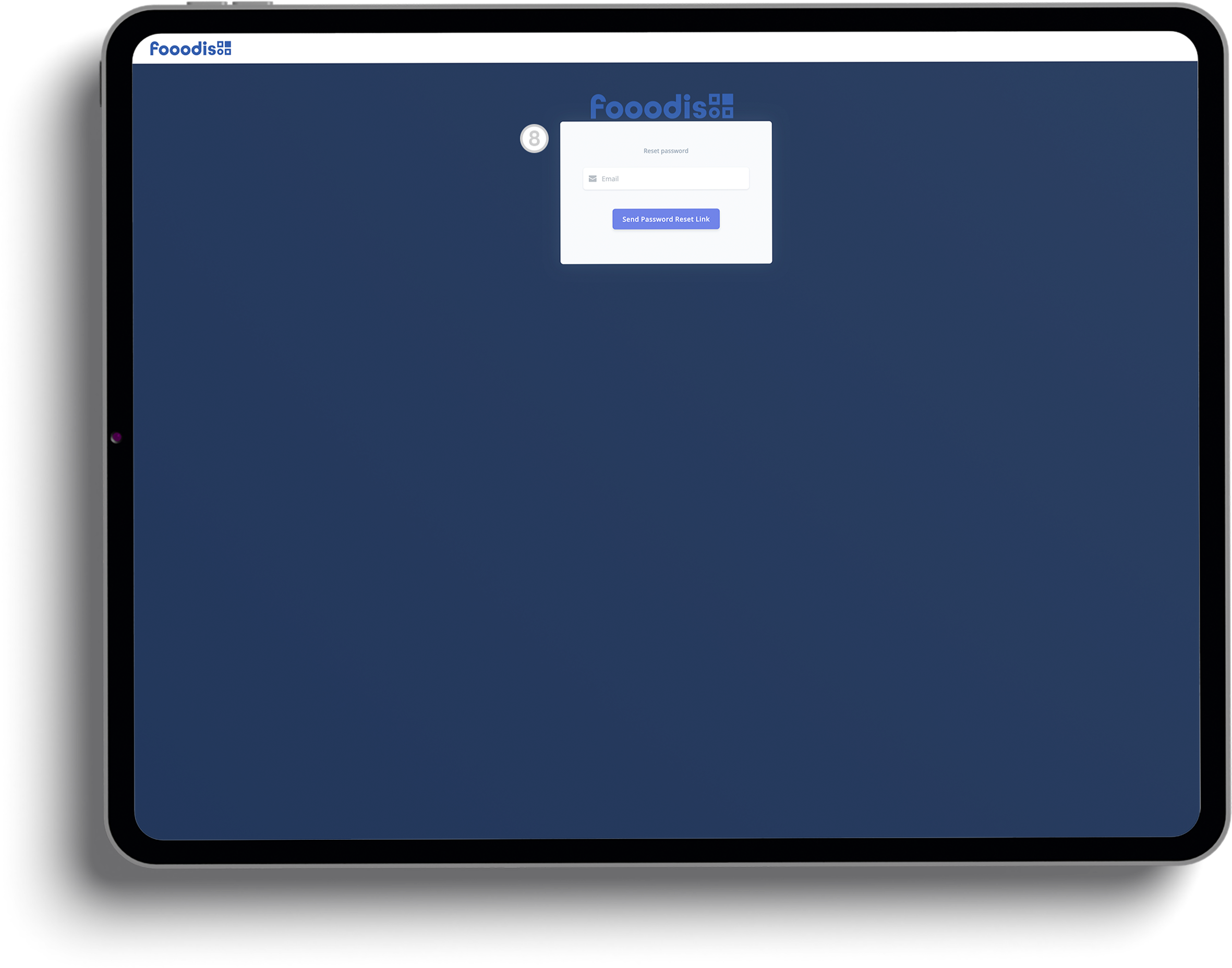
In the event that you forget your password, Fooodis.com makes it easy to recover your account. This part of the guide shows you how to reset your password by entering your registered email address and receiving a recovery link. Additionally, once logged in, you can explore various subscription plans that suit the size and scope of your restaurant. Whether you’re managing a small bistro or a large establishment, Fooodis offers flexible plans that cater to your specific needs. Simply head to the “Pricing Plans” section in your dashboard to get started.
Dive into our fully functional demo website and explore the power and simplicity of the Fooodis POS system. Test all the features, customize your experience, and see firsthand how our integrated platform can transform your restaurant management. Click here to start your journey!

Discover the power of unified social media campaigns, custom content design, and creative digital storytelling at Logo Land Design. Our expert team specializes in designing, executing, and monitoring digital ad campaigns for maximum ROI. We craft a unique brand voice and strategy, create dynamic animations, produce compelling video narratives, capture stunning photography, and generate engaging, plagiarism-free content. Elevate your brand's presence with our tailored digital solutions.
Your journey with Logo Land Design doesn't end here. Explore our additional offerings by visiting the dedicated websites for our specialized products: the Website Builder, Email Marketing Program, and Webshop Builder. Each one is designed to enhance your digital experience and success. Discover more now!
Starting your journey with Fooodis.com is easy, but we know you might have a few questions when registering your restaurant. To make things smoother, we’ve put together a list of frequently asked questions (FAQs) that cover the entire registration process. From filling out the registration form to receiving your login credentials and resetting your password, these FAQs address the most common queries to help you get your restaurant set up quickly and efficiently.